
+2712 88 00 258
KB20250903/01: Sage 300 People – Tip & Trick – How to create Public Holidays


Please see below steps on how to create Public Holidays in Sage 300 People
- From the main menu navigate to Company Management – Company Rule
- Select the applicable Company Rule

- Under Company Rule Details, select Business Day Definitions – Public Holiday Setup
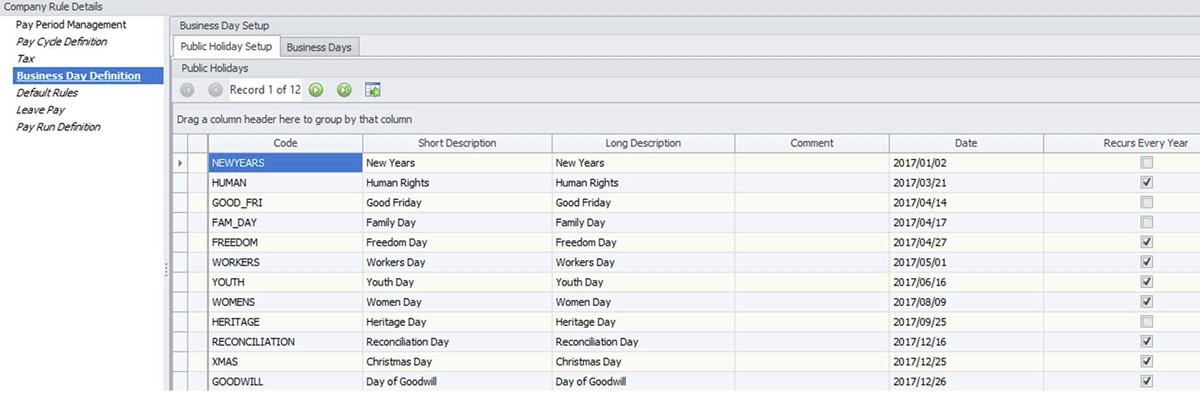
- Right click on this screen and select to Export to XLSX
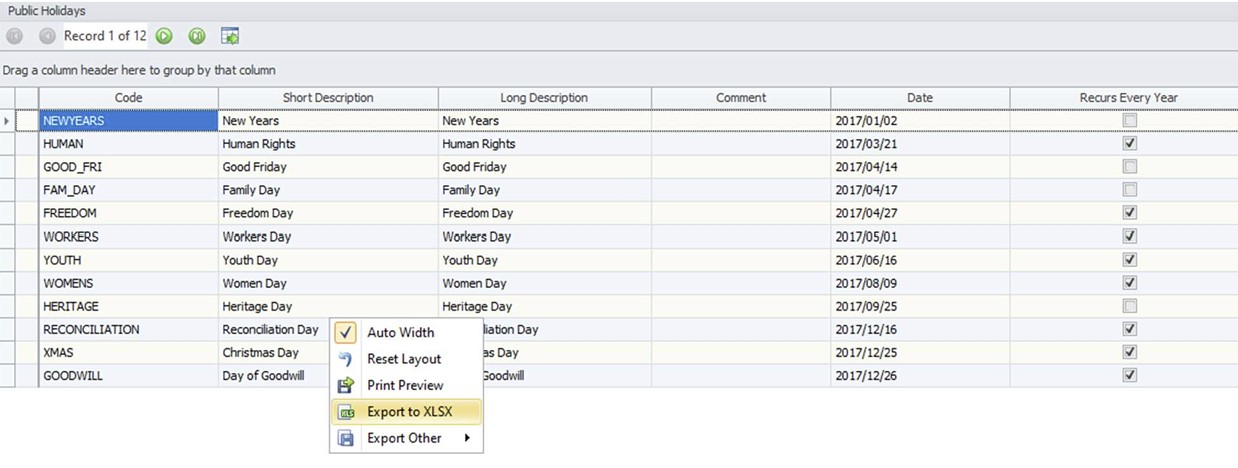
- Update the sheet, come back to this screen and click on the Import button
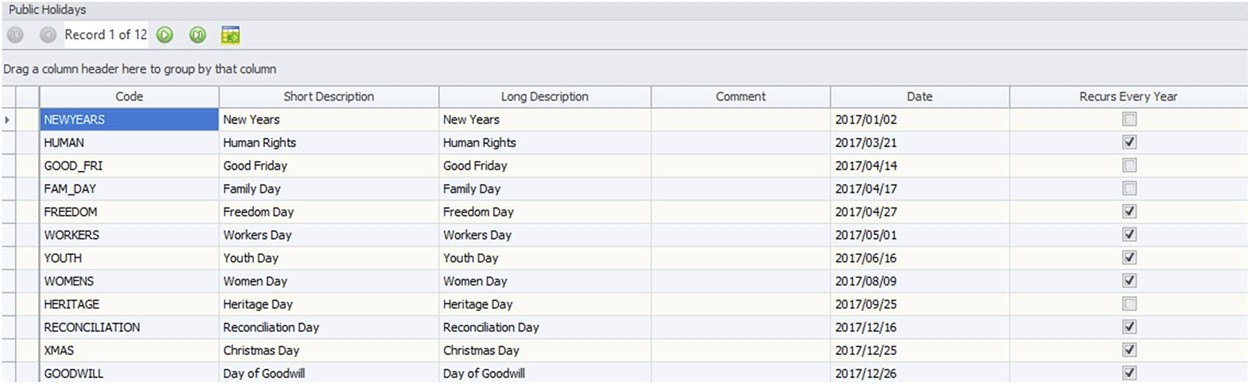
- Search for your Excel sheet and import